Raster → Vector tracing for macOS

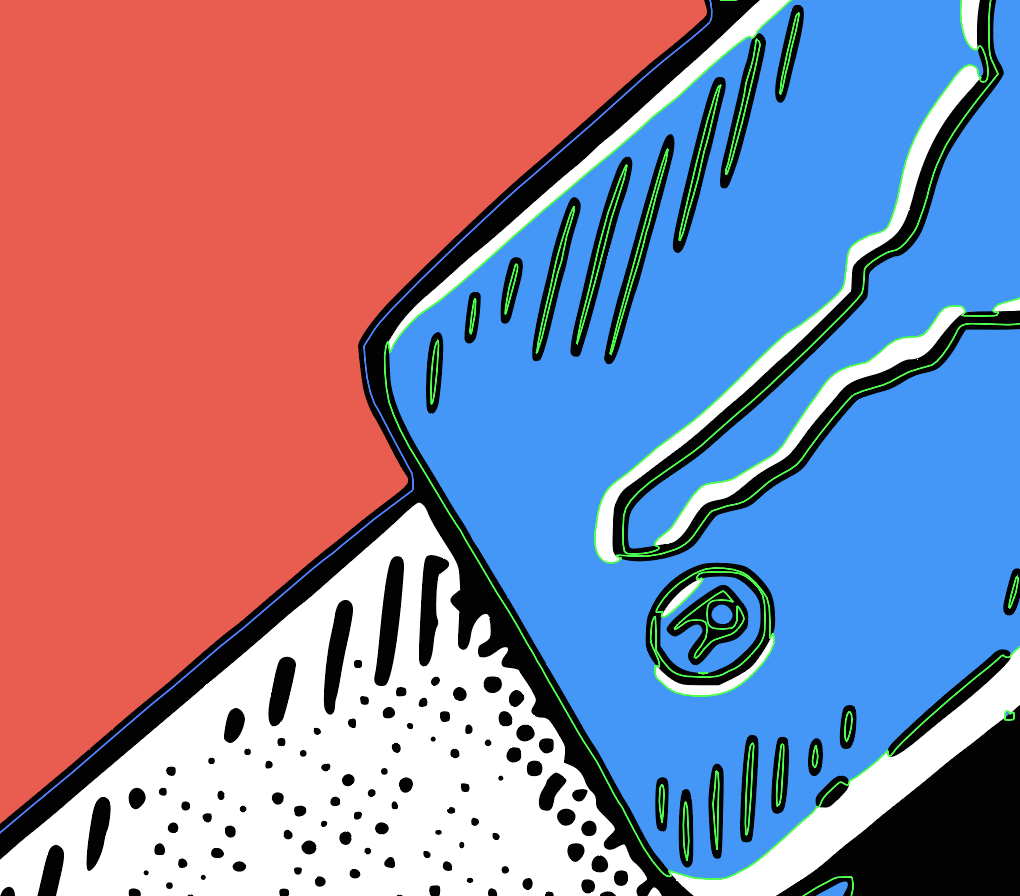
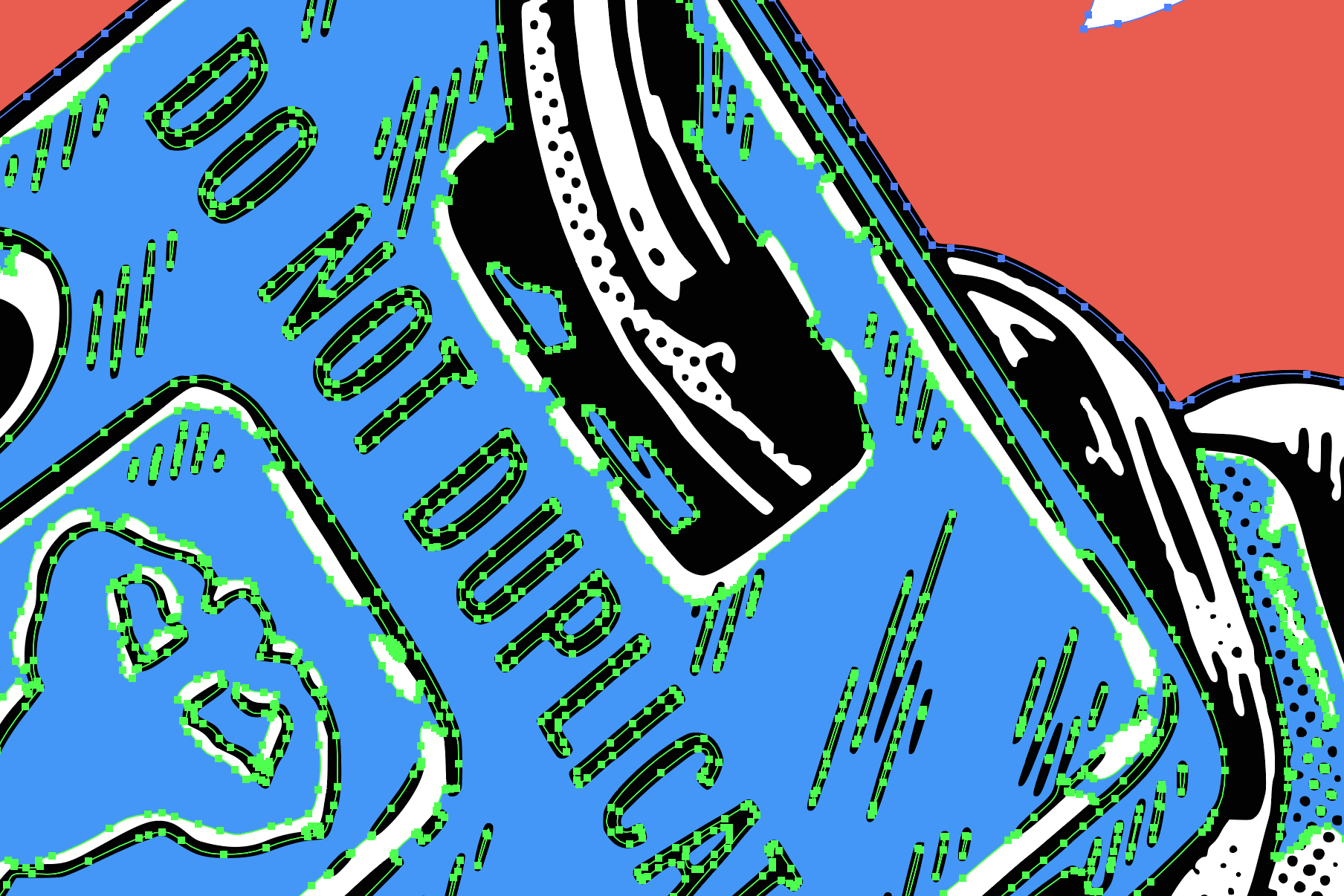
Other image trace tools couldn't handle my illustrations. So I built something that could.

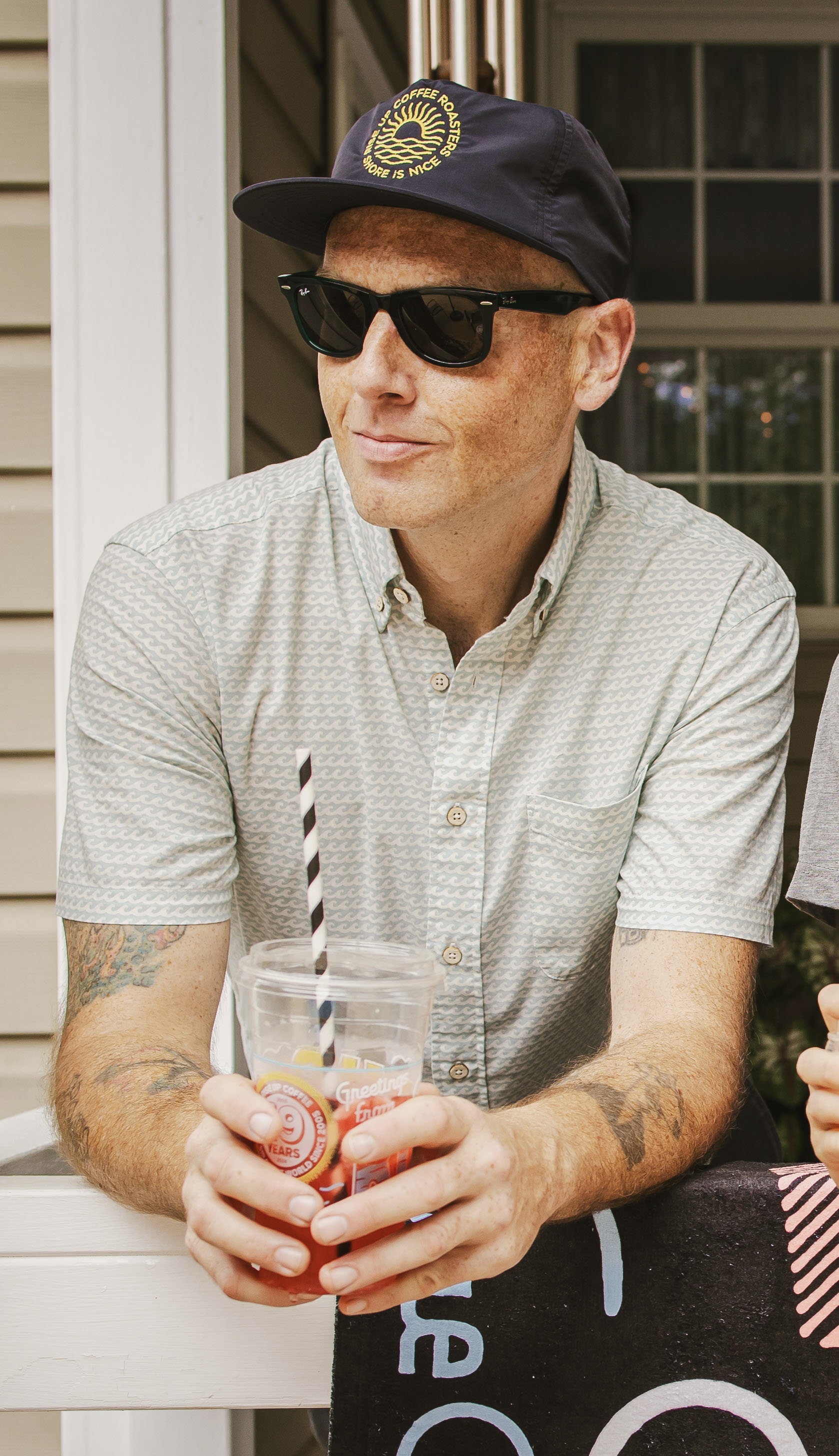
Hello! I'm JP Flexner — an illustrator, designer, and co-founder of Sparkwell Design Studio. Recently, I needed to vector a series of highly detailed illustrations for a project I was working on for Rise Up Coffee Roasters. Illustrator's Image Trace choked on the detail. Other tools were too slow, too clumsy, or too expensive. So I built the tool I actually needed. And if you're here, probably one you need as well.

Download for Mac ↓ Read the story
macOS 10.15+  ·  Apple Silicon native  ·  One-time purchase
Why this exists

Purpose-built by a working illustrator, not a software company.

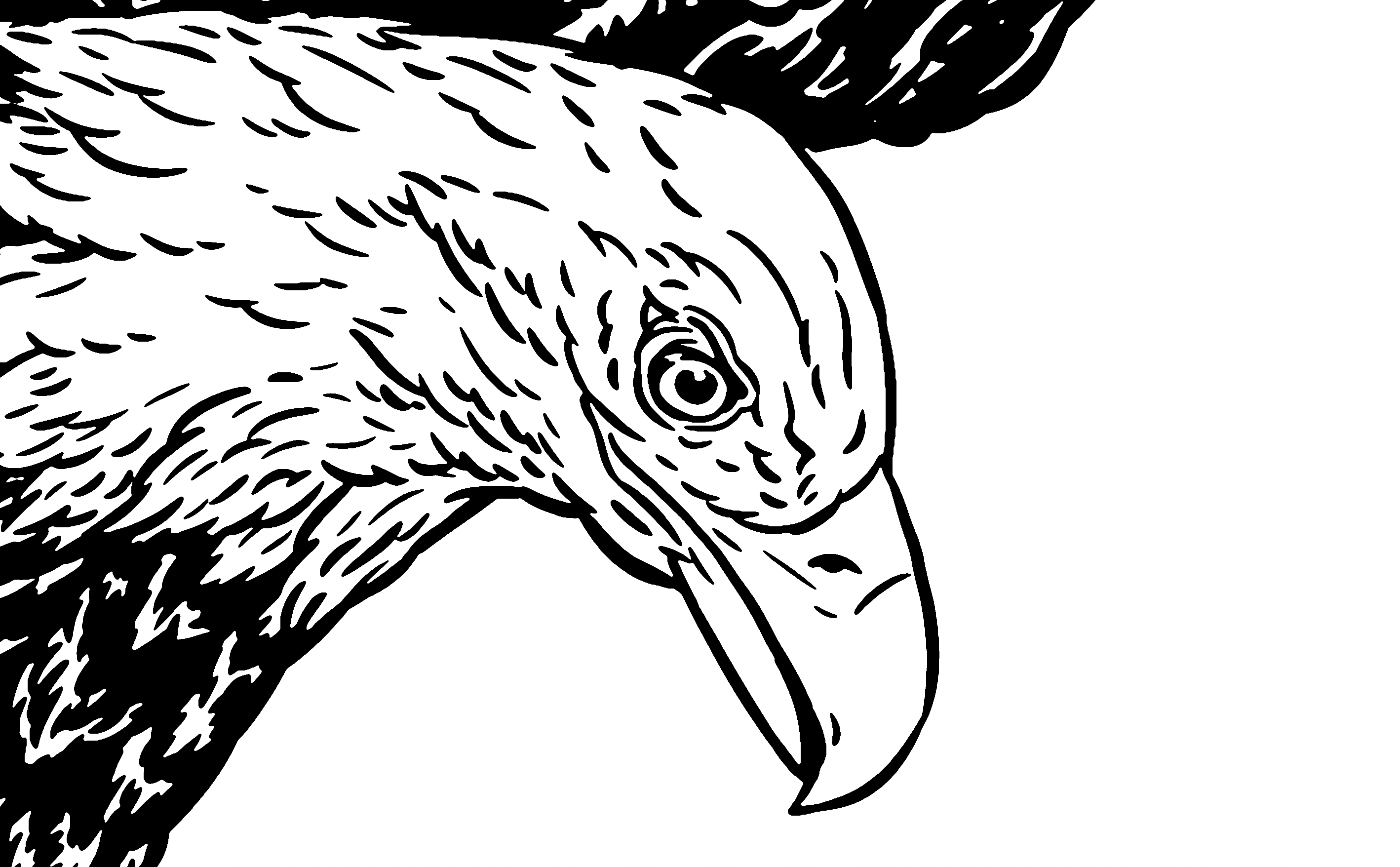
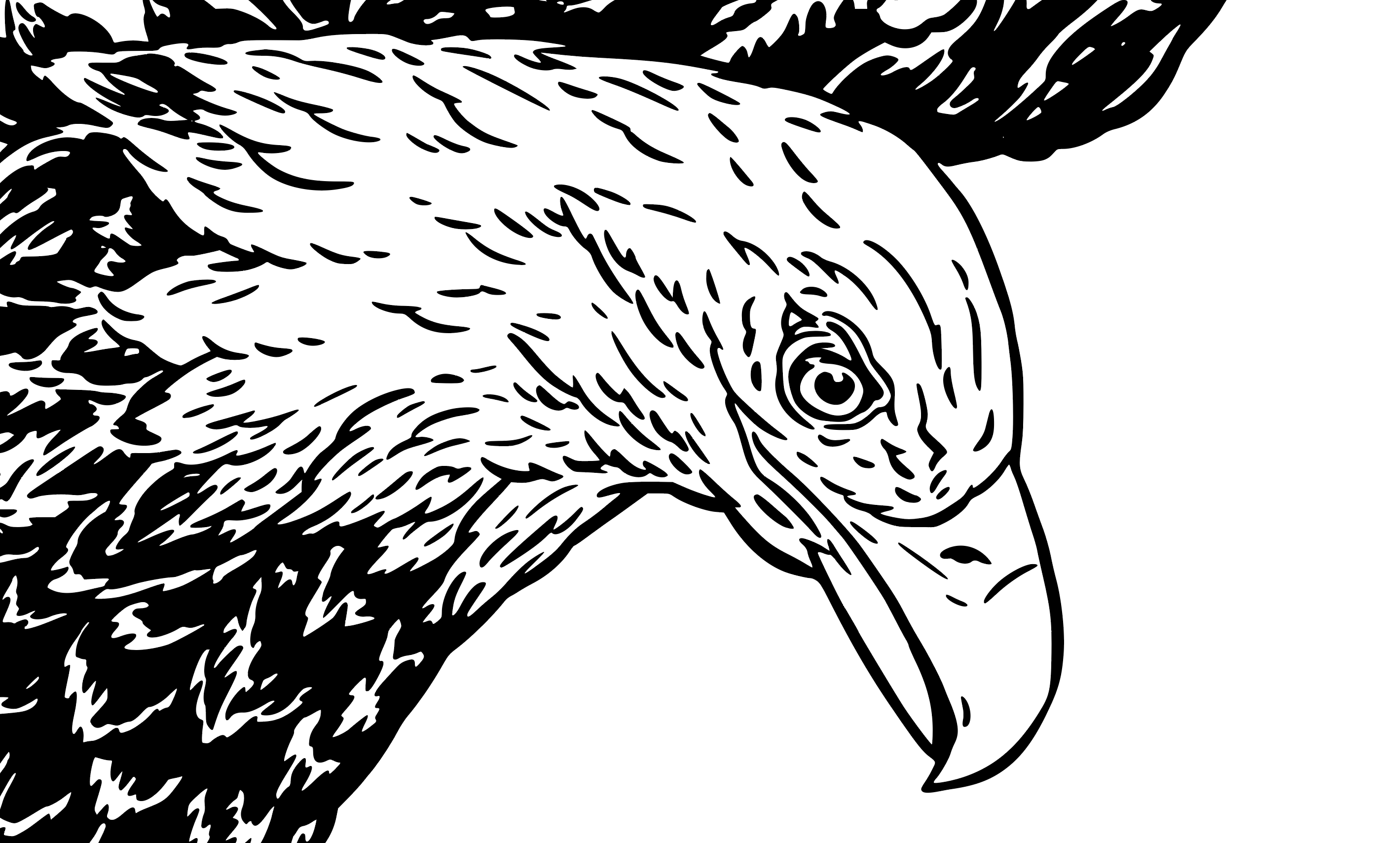
The project was eight hand-drawn waterfowl — Great Blue Heron, Osprey, Bald Eagle, and five more — destined for a limited-edition cup series and other merchandise for Rise Up Coffee Roasters on Maryland's Eastern Shore.

Each bird was drawn in black ink with fine crosshatching and detail work. The kind of illustration that looks great on paper but turns into a muddy mess when you hit "Image Trace" in Illustrator. Paths everywhere, lost details, blown-out line weights. The image size restrictions built into the program prevented me from getting the results I needed.

I tried every tool I could find. None of them gave me the control I needed — the ability to dial in exactly how aggressively to trace, to preview instantly, to batch-process an entire series with the same settings, to undo and compare different approaches side by side.

So I built Vector Bot. And it worked! All eight birds, vectorized to production quality, in a fraction of the time. The cups are now out in the world for folks to enjoy, and now Vector Bot is too.

If you've ever fought with Image Trace and thought "there has to be something better" — this is it. Made by someone who had the exact same thought. And likely does the same thing as you for a living. Vector Bot is a raster to vector app made for illustrators by an illustrator.

The difference

What you've been dealing with vs. what you could have.

Illustrator Image Trace

Limited presets with no way to save custom settings
No batch processing — one image at a time
Slow preview updates on complex images
No trace history — can't compare approaches
Requires a $22/mo Creative Cloud subscription
Buries vectorizing inside a massive app

Vector Bot

8 built-in presets plus save-your-own custom presets
Batch processing — drop a folder, trace them all
Instant preview with side-by-side comparison
Trace history — undo, redo, compare every attempt
One-time purchase — pay once, own it forever
Does one thing brilliantly — focused, fast, designed
What's inside

Every feature was born from a real design problem.

Halftone Dots

Convert any image to a classic halftone dot pattern with adjustable spacing, size, angle, and threshold. Perfect for screen printing and risograph work.

Color Palette Editor

After tracing, click any color swatch to swap it live. Dial in your exact brand colors without re-tracing. Invaluable for client work.

Compare Slider

Drag a slider across your original and traced version to see exactly where the trace succeeded and where it needs adjustment.

Batch Processing

Drop a stack of images. Pick a preset. Trace them all at once with a thumbnail bar to flip between results. The waterfowl series that started it all — eight birds, one click.

Trace History

Every trace is saved. Step backward and forward to compare different presets and settings on the same image. No more "wait, the last one was better."

PSD Support

Drop a Photoshop file directly. Vector Bot composites the layers and traces — no export step needed.

Keyboard-First

Number keys for presets, Cmd+S to save, +/- to zoom, Cmd+Z to undo. A visual HUD confirms every shortcut. Built for speed.

Magnifier Lens

Hover over either pane to get a 2x magnifier lens. Inspect fine details without zooming the whole view.

Multiple Exports

Save as SVG (vector), PNG (raster), or PDF. Copy SVG directly to clipboard for pasting into Illustrator or Figma. Optimize SVG file size with one click.

Dialed in

8 presets tuned for real illustration work.

Each preset was calibrated against actual design projects — not test images from a dataset. Plus save your own custom presets for recurring workflows.

Color Photograph

Rich color detail for photos and realistic artwork

B&W Logo

Clean black and white for logos and icons

Sketched Art

Preserves fine lines in hand-drawn work

Silhouettes

Bold shapes, heavy filtering, minimal noise

Line Art

Optimized for thin lines and inked drawings

Technical Drawing

Sharp corners for architectural and engineering work

Halftone Smooth

Flowing, rounded paths for organic shapes

Halftone Dots

Classic circle-based halftone pattern

JP

JP Flexner

Sparkwell Design Studio · Philadelphia

Graphic designer and illustrator specializing in branding, hand lettering, illustration, and gigposters. I build Vector Bot because I use it every day in my own practice. Every feature comes from real work, not a product roadmap.

Select clients: Foo Fighters · Nirvana · Rise Up Coffee Roasters · Neshaminy Creek Brewing

Stop fighting Image Trace.

One app. One purchase. Built by someone who gets it.

$25
ONE-TIME PURCHASE · FREE UPDATES · macOS 10.15+
Download for Mac ↓ View on GitHub